FR Legends Keeps Crashing? Causes and Fixes That Actually Work
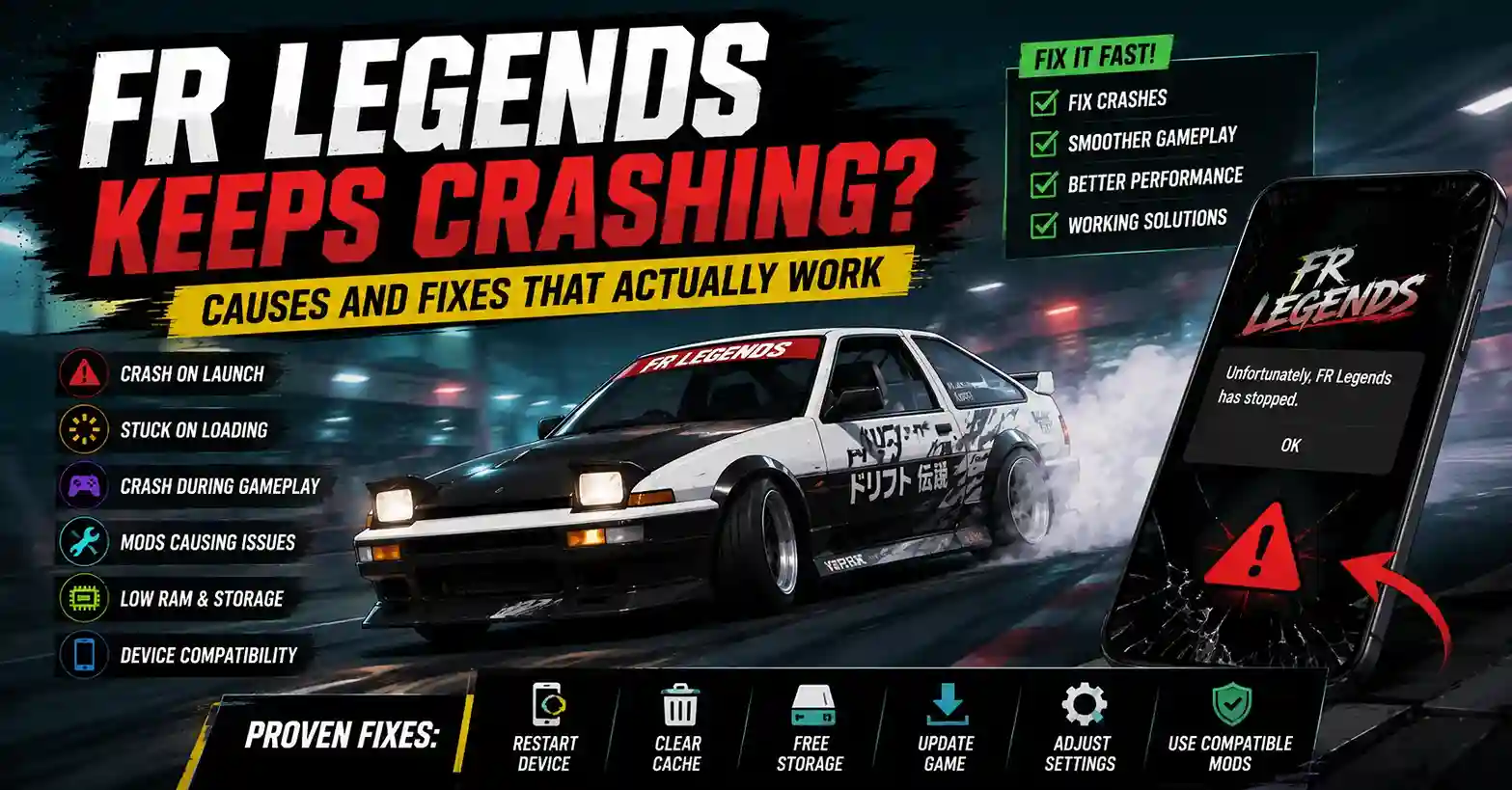
FR Legends crashes usually have a specific cause behind them, and most of them get fixed within a few minutes once you know what to look for. The game may shut down before the logo appears, freeze during the loading screen, or close mid-drift for reasons ranging from corrupted files to low RAM. Crashes also behave differently on stock Android phones, modded versions, and PC emulators, so the fix depends on your setup.
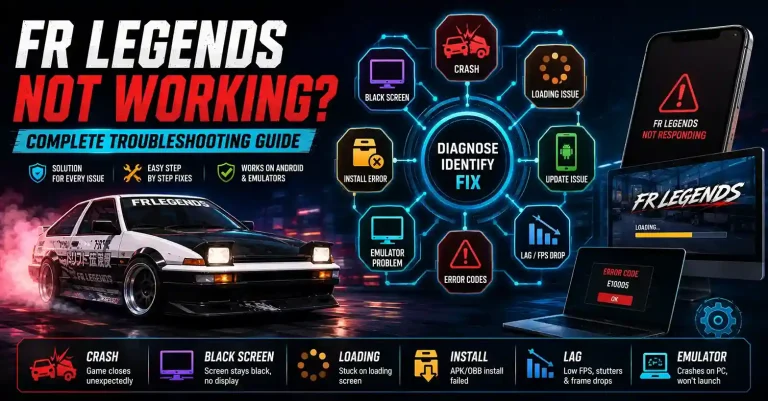
This guide focuses only on crash-related problems. It skips generic advice like “restart your phone and hope for the best” and walks through the real causes behind FR Legends Not Working and the fixes that apply, whether you’re running the official build or an FR Legends Mod APK.
Why FR Legends Keeps Crashing
Most FR Legends crashes trace back to six repeat offenders. Knowing which one is triggering yours saves you from reinstalling the game for no reason.
The usual causes:
- Corrupted game files from an interrupted download or a bad update
- Outdated game version that no longer matches the server or your device’s Android version
- Low RAM on budget phones running heavy background apps
- Storage problems when the phone has less than 1–2 GB free
- Device incompatibility on older chipsets or Android versions below 7
- Broken mod files from unofficial APKs or mismatched OBB data
Trying random fixes wastes hours. A player with a storage issue does not need a reinstall. A player with a bad mod does not need a device upgrade. Match the symptom to the cause first, then act.
When Does the Game Crash?
The moment the crash happens tells you almost exactly where to look. Here is how to read the timing.
Before the Logo Appears
If FR Legends closes before the logo even loads, the problem is almost always the APK file itself or a permission issue. This usually means the install is corrupted, the APK is not signed properly, or Android is blocking the app from starting.
During the Loading Screen
Crashes on the loading screen usually point to missing OBB data, a slow storage read, or a version mismatch between the APK and the game data. This is also the most common form of FR Legends Stuck on Loading Screen, where the game either freezes or force-closes right before entering the garage.
During Gameplay
Mid-race crashes point to RAM pressure, overheating, or graphics settings that push the device past its limit. Phones with 3 GB RAM or less often crash when other apps are open in the background.
After Installing a Mod
If the crashes started right after you installed a mod, the mod is the cause until proven otherwise. Modded files often target a specific game version, and a mismatch will crash the app on launch or as soon as you load a car.
Quick Fixes That Solve Most Crash Problems
Before going deeper, run through this checklist. It resolves the majority of crash reports.
- Restart your device to clear stuck processes and free RAM
- Close background apps, especially browsers, social apps, and other games
- Free at least 2 GB of storage so the game has room for cache and saves
- Restart your emulator if you play on PC a fresh instance fixes most freezes
- Update FR Legends to the latest version from the Play Store or your trusted APK source
- Verify APK files by checking file size and re-downloading if the install was interrupted
Each of these takes under two minutes. Run them in order and test the game after each step so you can identify what actually worked.
Check Your Device Requirements
Older phones crash more often because FR Legends uses real-time physics, custom liveries, and dynamic lighting that push the GPU hard. A device that ran the game fine two years ago may struggle after several updates added new content.
Here is a quick reference for the most common device-related crash triggers:
| Device Problem | Possible Result |
| Low RAM (under 3 GB) | Random crashes during gameplay |
| Full storage | Crash on launch or save failure |
| Old Android version (below 7.0) | Compatibility issue, app refuses to open |
| Weak CPU or old GPU | Frame drops leading to force-close |
| Overheating | Sudden crash mid-race |
If your device appears in more than one row, the fix is usually a lighter graphics preset or a cleaner background environment, not a reinstall.
Are Mods Causing the Crash?
Modified APKs can introduce instability when the mod was built for a different game version or when the file was tampered with during upload. A mod that unlocks money, cars, or liveries often replaces core game files, and any mismatch causes a crash the moment those files load.
Stick to mods that clearly state the game version they support. If the mod page does not mention a version number, treat it as unreliable. Players who want to compare FR Legends Mods should check compatibility, last update date, and user reports before installing anything.
Tip: Always keep a copy of the official APK. If a mod breaks the game, you can reinstall the clean version without losing hours to troubleshooting.
Emulator Crash Fixes
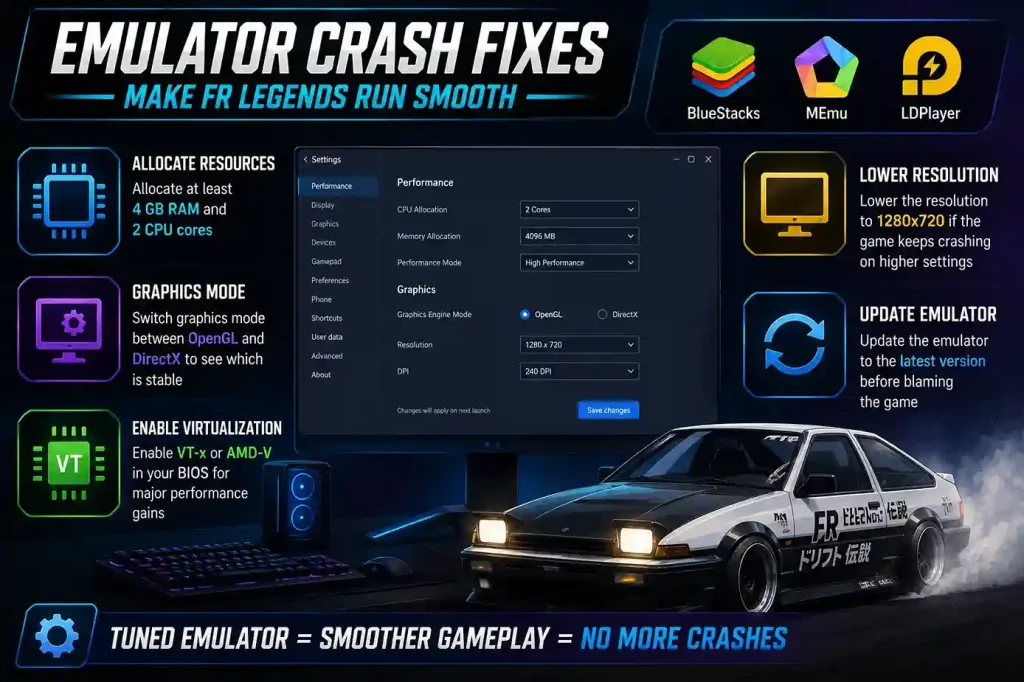
Emulator crashes usually come from RAM allocation, graphics rendering mode, or virtualization being disabled in the BIOS. FR Legends runs well on BlueStacks, MEmu, and LDPlayer, but each one needs a small amount of tuning.
For all three emulators, the fixes are similar:
- Allocate at least 4 GB RAM and 2 CPU cores to the emulator instance
- Switch graphics mode between OpenGL and DirectX to see which is stable
- Enable virtualization (VT-x or AMD-V) in your BIOS for major performance gains
- Lower the resolution to 1280×720 if the game keeps crashing on higher settings
- Update the emulator to the latest version before blaming the game
If you want a deeper walkthrough, the Best Emulator Settings for FR Legends guide covers per-emulator configuration in detail.
Should You Reinstall the Game?
Reinstalling is only necessary when file corruption is the confirmed cause, when an update has failed repeatedly, or when a mod has replaced core files you cannot roll back. It is not a first step. It is a last resort after quick fixes, storage checks, and mod removal have all failed.
Before you uninstall, back up your progress. If you are signed in to a Google Play Games or Game Center account, your saves usually sync. If you play offline or on an emulator, copy the game folder from internal storage first. Players who need a clean install can follow How to Install FR Legends on Any Device for the correct APK and OBB placement.
When the Crash Is Not Actually a Crash
Not every problem that looks like a crash is one. Several common issues get misreported as crashes when they are actually something else:
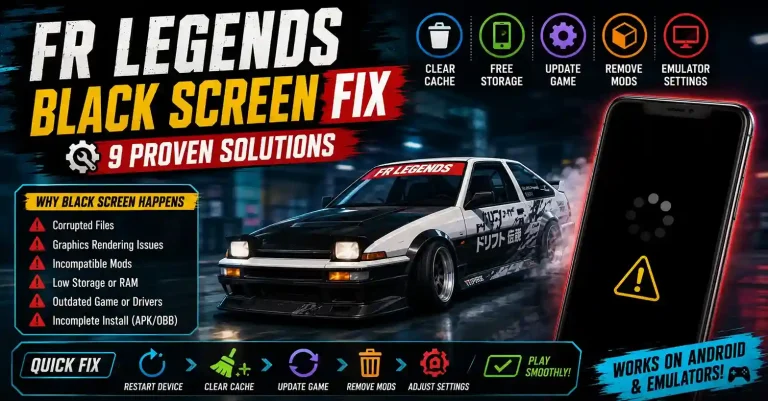
- Black screen: the app is running, but the render pipeline is stalled
- Frozen loading: the game is waiting on data, not closed
- Login failure: a server or account issue, not a game issue
- Download failure: an OBB or update problem that stops the game from opening
The fix for each is different. Check the FR Legends Black Screen Fix, FR Legends Login Issues, and FR Legends Download Failed Fix guides if your symptom matches one of these instead of a true crash.
How to Prevent Future Crashes
Once the game is stable, keeping it that way is mostly about habits. Most players who never see crashes follow the same short routine.
Prevention checklist:
- ✓ Keep the game updated to the latest version
- ✓ Install only mods that match your current game version
- ✓ Avoid APKs from unknown or unverified sources
- ✓ Maintain at least 2 GB of free storage at all times
- ✓ Restart your device every few days to clear memory
- ✓ Update your emulator alongside the game
Consistency matters more than any single fix. A phone with free storage, a clean background, and a matched game version rarely crashes even on mid-range hardware.
The players who struggle most are usually the ones running heavy mods on old builds while their storage sits at 98% full. Fixing that one habit removes most crash reports on its own.
Conclusion
FR Legends crashes usually have a specific cause, and a targeted fix almost always beats a full reinstall. Whether the trigger is a bad mod, a storage issue, an outdated version, or an emulator setting, the pattern is the same: identify the moment the crash happens, match it to a likely cause, and apply the right fix.
Start with the symptom, not the solution. A player facing FR Legends Not Working after installing a mod needs a different answer than one whose game closes on launch after an OS update. Read the timing, check the setup, and work through the fixes in order most crashes are gone within ten minutes once you stop guessing.