How to Customise Liveries in FR Legends Mod APK Like a Pro
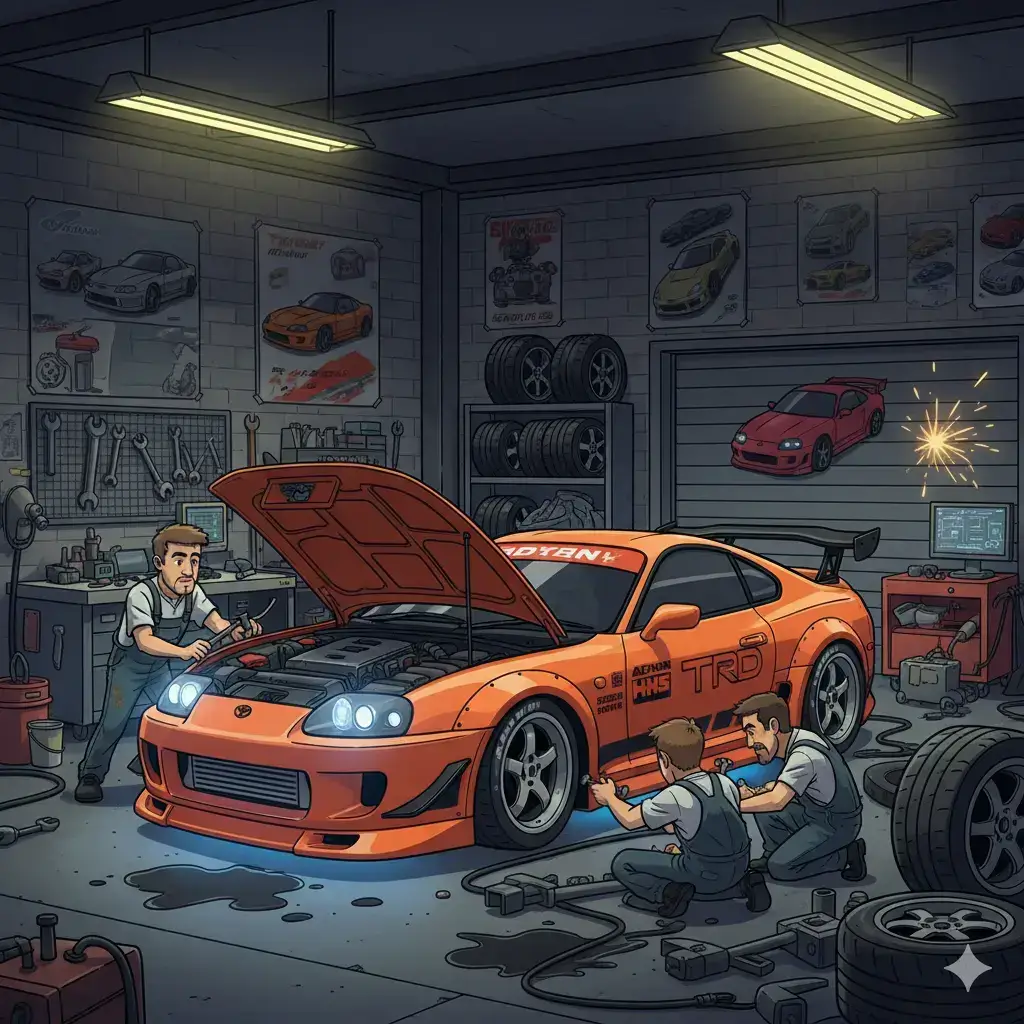
Creating amazing FR Legends liveries is honestly one of the most addictive parts of this game. I’ve been designing custom car skins for over three years now, and I can tell you that nothing beats the feeling of seeing your unique creation tearing up the track with a design that nobody else has. The livery editor in FR Legends gives you incredible freedom to express your creativity, but most players barely scratch the surface of what’s possible.
Key Things You’ll Master
- Understanding what makes FR Legends liveries truly special
- Step-by-step customisation process for beginners and pros
- Best tools and apps for creating next-level designs
- How to install and share custom livery packs safely
What Are FR Legends Liveries?
FR Legends liveries are basically digital paint jobs and decal combinations that transform how your drift cars look on track. Think of them as vinyl wraps that you can apply, remove, and modify without any real-world consequences or costs. The game’s livery system lets you layer different elements like base colors, sponsor decals, racing numbers, and custom graphics to create something unique.
What makes these liveries special in drift culture is that they’re not just cosmetic – they’re a form of self-expression that connects to real Japanese drifting heritage. Professional drift teams spend thousands on custom paint jobs and sponsor arrangements, and FR Legends lets you recreate that aesthetic digitally.
Why Customising Liveries Becomes So Addictive
There’s something incredibly satisfying about starting with a blank car and slowly building up layers of design elements until you have something that looks like it belongs in a professional drift competition. The creative process taps into the same satisfaction that people get from building model cars or designing graphics, but with the immediate payoff of seeing your creation in action.
The community aspect makes it even more engaging since platforms like Instagram, Reddit, and Discord are full of talented designers sharing techniques and inspiration. Seeing what other creators come up with pushes you to experiment with new ideas and improve your own skills.
Beginner’s Guide: How to Customise Cars
Getting started with FR Legends liveries is easier than you might think, but there are some important steps to follow for the best results:
- Open your garage and select the car you want to customize
- Tap on the livery editor icon (usually looks like a paintbrush)
- Choose your base color first, since this affects everything else
- Add sponsor decals and racing stripes gradually
- Save your work frequently to avoid losing progress
The interface shows different layers that you can modify independently – base paint, decals, numbers, and custom graphics all stack on top of each other. Always use descriptive names when saving your liveries so you can easily find them later.
Best Tools for Advanced Livery Creation
While the in-game editor is great for basic customisation, creating truly professional FR Legends liveries often requires external tools. PixelLab is probably the most popular choice among mobile users because it’s specifically designed for creating graphics and text overlays that work well in mobile games.
Photoshop Express offers more advanced layering and masking capabilities if you want to create complex sponsor arrangements or realistic weathering effects. Zmod takes things to another level by letting you actually modify car models and textures, though it requires more technical knowledge to use effectively.
Installing Custom Livery Packs
Once you’ve found or created FR Legends liveries that you want to use, installation is usually straightforward if you follow the correct process. Most livery packs come as compressed files that contain the actual image files and sometimes installation instructions. You’ll need to access your device’s file system and navigate to the FR Legends folder, then place the livery files in the correct subdirectories.
Testing your installation is important because incorrect file placement can cause the game to crash or display broken graphics. Always back up your original livery files before installing custom ones from reliable modding sources.
Common Mistakes That Ruin Your Design
The biggest mistake I see beginners make with FR Legends liveries is trying to cram too many elements into one design without considering how they work together visually:
- Overlapping sponsors that create visual clutter
- Clashing colors that hurt the eyes
- Inconsistent styling across different car panels
- Using low-resolution images that look pixelated
- Poor file management leading to lost work
Resolution problems are another common issue – always work with high-resolution source images and save your final designs in the format that FR Legends expects.
Advanced Techniques From Pro Designers
Professional FR Legends liveries often use real-world drift car photography as reference material to achieve authentic sponsor placement and color schemes. Study images from Formula Drift, D1GP, or local drift events to understand how professional teams arrange their decals.
Layering and masking techniques become important when you want to create effects like paint wear, sponsor overlap, or realistic reflections. These subtle details separate amateur designs from professional-looking liveries that could belong on actual competition cars. Symmetry doesn’t always mean perfect mirror images – professional drift cars often have asymmetrical sponsor arrangements that still look balanced and intentional.
Sharing Your Custom Creations
The FR Legends liveries community is incredibly active on platforms like Reddit and Discord, where designers regularly share their latest creations. These communities are goldmines for inspiration and technical tips that can improve your own designs significantly.
Many creators upload their liveries to file-sharing platforms with download codes that make it easy for others to use their designs. Export formats matter when you’re sharing liveries since different platforms might require different file types or compression levels.
Inspiration From the Best Liveries
Some of the most popular FR Legends liveries recreate iconic designs from Initial D, featuring the famous panda Trueno or Keisuke’s yellow RX-7. These anime-inspired designs connect with fans of the series while showcasing clean, recognizable aesthetics.
Formula Drift replications are another popular category, with designers recreating liveries from famous drivers. These designs teach you about professional sponsor arrangements and color coordination while paying tribute to real drift legends. Anime-themed skins push creative boundaries with bold colors and character graphics that wouldn’t work on real cars but look amazing in the digital environment.
Beyond Liveries: Complete Car Customisation
While liveries are the most visible customisation element, they work best when combined with other modifications that create a cohesive overall build. Body kits change the car’s silhouette and provide new surfaces for livery elements, while different car options offer completely different canvases for your designs.
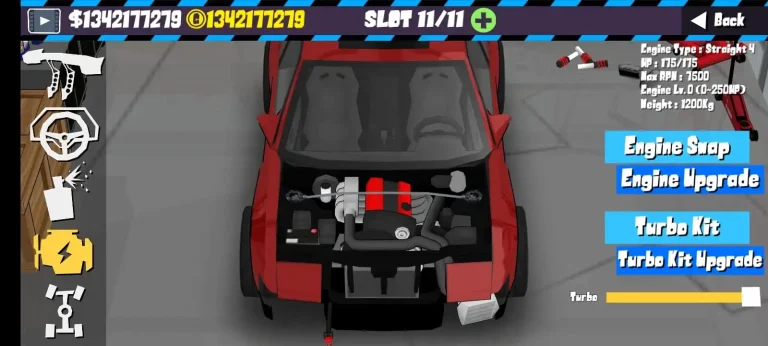
Engine modifications affect the car’s sound and performance, which complements the visual impact of your livery work. A perfectly tuned car with optimized settings and a matching livery creates a complete package that’s satisfying to drive and impressive to watch. For specific builds like the Supra platform, certain livery styles work better than others due to the car’s unique proportions.
Livery Pack Collections and Resources
Pre-made livery packs offer a quick way to transform your car’s appearance without spending hours on custom design work. These collections usually include multiple related designs that work well together, like a complete race team’s seasonal liveries or themed sets.
Quality varies significantly between different pack creators, so look for collections with good preview images and positive community feedback. Installing full packs requires more careful file management since you’re typically replacing multiple game assets at once, so always back up your original files first.
You can enhance your livery designs further by understanding gear ratio optimization, since different performance setups might influence which visual themes work best for your build style.
Troubleshooting Common Problems
When FR Legends liveries don’t display correctly, the problem is usually related to file format, resolution, or placement issues. Check that your image files are the correct format (usually PNG) and that they match the resolution requirements for your specific car model.
Loading problems often occur when livery files conflict with other game modifications or when updates change file structures. Keep backup copies of working setups so you can restore functionality if updates break your custom liveries.
Improve Your Drift Experience
Creating amazing FR Legends liveries transforms the entire game experience by making every car feel personal and unique. The skills you develop while designing custom liveries also connect you with a creative community of fellow enthusiasts who share your passion for automotive aesthetics.
Don’t be afraid to experiment with bold designs and unconventional color combinations – some of the most memorable liveries break traditional rules while still looking cohesive and professional. Whether you’re inspired by classic Japanese drift culture or want to create something completely original, the tools and techniques in this guide will help you achieve your vision.
Frequently Asked Questions
What’s the best app for designing FR Legends liveries?
PixelLab is the most popular choice for mobile users because it’s designed for creating graphics that work well in mobile games. Photoshop Express offers more advanced features if you need complex layering.
Can I use PC software to create liveries?
Yes, desktop applications like Photoshop or GIMP work great for creating FR Legends liveries. Just export your designs in the correct format and resolution for mobile use.
Why won’t my custom livery load in the game?
This usually happens due to incorrect file format, wrong resolution, or improper file placement. Check that your files are in PNG format and placed in the correct directories.
How do I share liveries with friends?
You can share library files directly or upload them to file-sharing platforms. Many creators use cloud storage services to distribute their designs to the community.