FR Legends Tuning Settings for Beginners
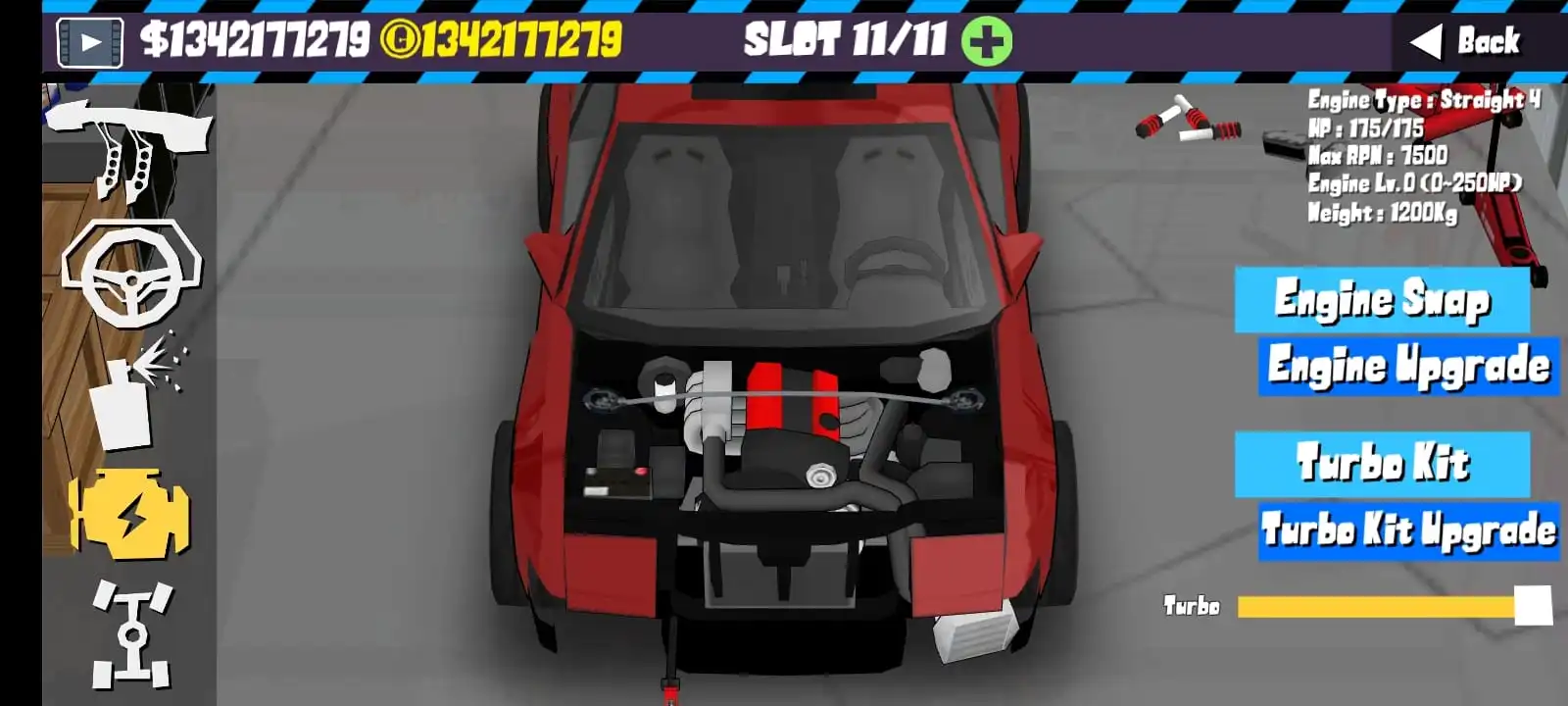
You’re stuck spinning out on every corner entry. Your drift scores hover around 20,000 while other players casually drop 80k+ runs. Sound familiar? This guide fixes that. We’ll build you a solid foundation tune that works across different tracks and power levels, then teach you how to adjust it properly. You’ll get clean angles, stable entries, and higher scores without the guesswork. Grab the beginner preset below and start testing immediately.
Key Takeaways
- Set tire pressure and compound first – they control 70% of your car’s behavior.r
- Balance comes from front-end adjustments, not rear-end chaos
- Follow a repeatable tune flow instead of random slider movements
How Tuning Works in FR Legends
What Affects Drift Score
FR Legends judges three main things: angle consistency, proximity to clipping points, and smooth line flow. Many beginners think the maximum angle equals maximum points. Wrong. The game rewards a controlled angle that you can maintain through the entire corner. A 45-degree slide that stays consistent beats a 60-degree entry that snaps to understeer mid-corner.
Grip vs Angle Trade-Off Explained
More grip helps you control the car, but reduces the maximum angle. Less grip gives crazy angles but makes the car unpredictable. The sweet spot sits right in the middle enough grip to stay in control, enough slip to maintain good angle. Think of it like riding a bike. Too loose and you crash. Too tight and you can’t turn.
How Power Level Changes Everything
Your tune must match your power output. A 250hp setup that works perfectly will feel completely different at 500hp. More power needs more grip to stay controlled. Less power needs less grip to break traction. This is why copying someone else’s tune often fails – their power level probably doesn’t match yours.
Also Read : https://frlegndsmodapk.com/fr-legends-tuning-settings/
Quick-Start Baseline Tunes
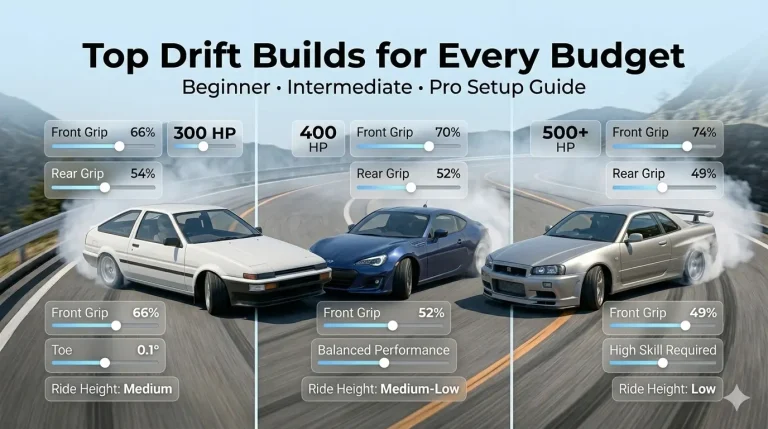
Here’s your starting point based on power ranges. Pick the band that matches your current build, apply these settings, then fine-tune from there.
| Power Range | Tire Compound | Tire Pressure F/R | Camber F/R | Caster | Toe F/R | Final Drive | Main Drift Gear |
| 250-350 HP | Sport/Sport | 32/28 | -2.5/-1.5 | 6.5 | 0/-0.2 | 4.2 | 3rd |
| 350-500 HP | Semi/Sport | 34/30 | -3.0/-2.0 | 7.0 | 0/-0.3 | 4.0 | 2nd/3rd |
| 500+ HP | Semi/Semi | 36/32 | -3.5/-2.5 | 7.5 | 0.2/-0.4 | 3.8 | 2nd |
When to use each band:
- 250-350 HP: Small technical tracks, learning fundamentals
- 350-500 HP: Mixed layouts, most multiplayer rooms
- 500+ HP: High-speed sweepers, advanced tandem practice
Save this as your first preset and use it as your baseline for all adjustments.
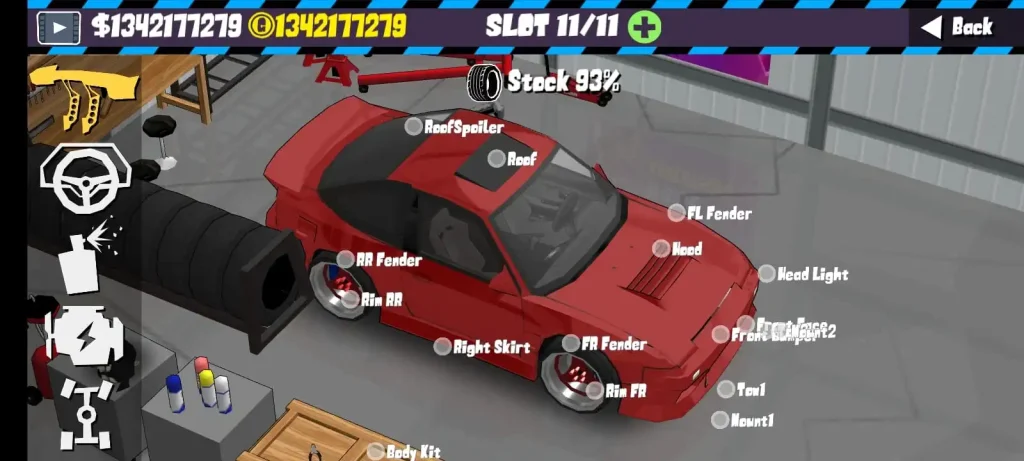
Step-by-Step Tune Flow (Repeatable)
Pick Power Band and Track
Load up practice mode on your target track. Check your power level and pick the matching baseline from above. Don’t skip this step – starting with the wrong foundation wastes hours of testing time.
Set Tires and Pressure First
Tire compound and pressure control how your car feels more than any other setting. Start with the baseline pressures, then adjust based on track conditions. Higher pressure = less grip, more responsive. Lower pressure = more grip, more stable.
Dial Front End (Caster → Camber → Toe)
Work in this exact order. Set caster for steering feel and self-centering. Adjust front camber for turn-in bite. Fine-tune the front toe last for entry stability. Change one setting at a time and test for 3-4 corners before moving to the next.
Balance Rear End Grip
Your rear settings should complement your front setup, not fight it. If the front turns in well but the rear feels loose, add rear camber or increase rear tire pressure slightly. If the car understeers mid-corner, reduce rear grip.
Also Read : https://frlegndsmodapk.com/fr-legends-gear-ratios-proven-setups/
Gear Ratios for Your Entry Speed
Pick your main drift gear based on the track layout. Technical tracks usually work best in 3rd gear. High-speed entries need 2nd gear. Adjust your final drive so you hit the power band right as you initiate the drift.
Test, Adjust, Save as Preset
Make small changes and test immediately. Don’t adjust three settings at once – you won’t know which change helped or hurt. Save working setups as presets with clear names like “Ebisu_350hp” or “Meihan_baseline.”
Tires and Grip
Compound and Pressure Basics
Sport tires give predictable grip with clear breakaway points. Semi-slicks provide more ultimate grip but can feel snappy when they let go. Most beginners should start with sport compound front and rear, then experiment with semi-slicks up front for better turn-in.
Front vs Rear Pressure Effects
Front pressure controls turn-in response and understeer. Higher front pressure makes the car turn in faster, but can cause snap oversteer. Rear pressure affects how the car rotates and settles. Lower rear pressure helps rotation, but can make corner exit twitchy.
Signs You Have Too Much or Too Little Grip
Too much grip: The car won’t initiate easily, fights against your inputs, and has low drift angles.Too little grip: Spins on every entry, can’t control angle mid-corner, inconsistent lap times. Just right: Clean entries, predictable breakaway, can adjust angle with throttle and steering.
Alignment: Camber, Caster, Toe
Camber for Front Bite vs Tire Wear Feel
Front camber controls how aggressively the car turns in. More negative camber (higher numbers) gives sharper turn-in, but can make the car darty. Start with -2.5 degrees front and adjust from there. Rear camber affects how the car rotates – more negative camber reduces rotation.
Caster for Return-to-Center and Stability
Caster makes your steering wheel want to return to center automatically. Higher caster values give more stability at speed but require more effort to turn. Most beginners should run 6.5-7.5 degrees. Go higher if the car feels twitchy on entries.
Toe for Turn-In vs Stability on Throttle
The front toe affects the initial turn-in response. Toe-out (negative values) makes the car turn in faster but reduces straight-line stability. Most setups work best with zero front toe. Rear toe controls stability under power – toe-in (negative values) helps reduce snap oversteer.
Quick rules for beginners:
- Start with baseline alignment settings
- Only change one alignment setting per test session
- More aggressive = harder to drive, but potentially faster
- Less aggressive = easier to drive, but potentially slower
Gear Ratios and Final Drive
Pick a Main Drift Gear Per Track
Most tracks have one gear that works best for the majority of corners. Short technical tracks like Akagi usually work best in 3rd gear. Long sweepers like some Ebisu sections prefer 2nd gear. Figure out which gear lets you maintain good RPM through the longest sections.
Final Drive to Match Entry Speed
Your final drive should put you in the right RPM range when you start your drift. Too short and you’ll bog down. Too long and you won’t have enough torque to maintain the angle. Start with the baseline final drive and adjust based on your entry speeds.
When to Shorten or Lengthen 2nd/3rd
Shorten your drift gear if you’re hitting the rev limiter mid-corner. Lengthen it if you’re falling out of the power band. Most cars work best when your main drift gear keeps you between 4,000 and 7,000 RPM through the entire corner.
Controller/Touch Sensitivity
Recommended Base Sensitivity
Start with steering sensitivity around 75-80%. This gives a good response without making the car too twitchy. Touch players might need slightly higher sensitivity (85-90%) to compensate for less precise inputs. Controller users can usually run lower sensitivity for more precise control.
Throttle and Brake Curves
Linear throttle response works best for most beginners. Exponential curves can help smooth out jerky inputs, but make precise throttle control harder to learn. Keep brake sensitivity high enough for quick weight transfer, but not so high that you lock up easily.
Handbrake Usage During Entries
Don’t rely on the handbrake as your primary initiation method. Use it to help rotation on tight corners or to correct understeer mid-corner. Good throttle and steering technique should handle most entries. Overusing the handbrake creates inconsistent entry speeds.
Car-Specific Baselines
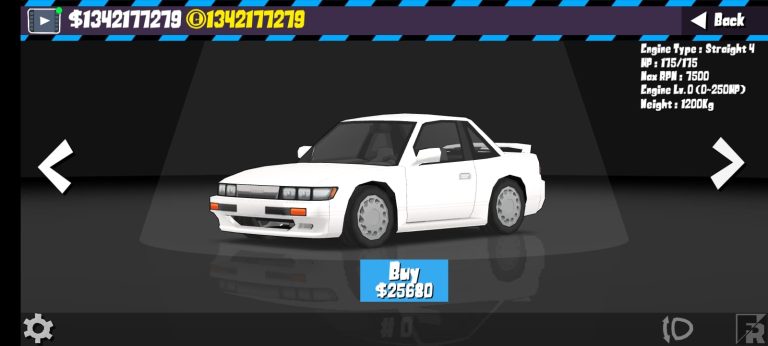
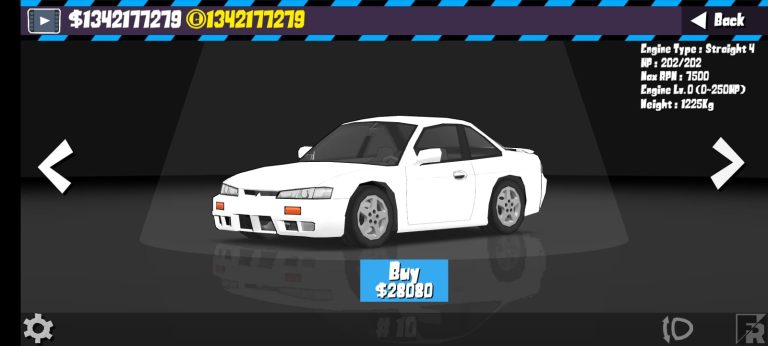
Nissan Silvia S15 (Balanced Starter)
Who should use it: Complete beginners, players learning basic drift techniques.
What it fixes: Provides predictable handling with clear feedback.k
Quick tweak list: Start with sport/sport tires, 32/28 pressure, -2.5/-1.5 camber. This car forgives mistakes while teaching proper technique.
Mazda RX-7 (Rotary Characteristics)
Who should use it: Players who are comfortable with the basics and want more challenge.
What it fixes: Teaches throttle control and power management.
Quick tweak list: Runs best with slightly more front grip, semi/sport tire combo, careful with throttle application. The rotary power delivery needs smooth inputs.
Toyota AE86 (Low-Power Flow)
Who should use it: Beginners who want to focus on line and technique.
What it fixes: Forces good fundamental technique, less reliance on power.
Quick tweak list: Sport/sport tires with lower pressure (30/26), less aggressive alignment. This car rewards smooth driving over aggressive inputs.
Track-Specific Tweaks
Short Technical Tracks (More Front Bite, Tighter Gearing)
Tracks like Akagi Downhill need responsive front ends and shorter gear ratios. Add 0.5 degrees front camber, increase front tire pressure by 2 PSI, and consider running 3rd gear for most sections. The car needs to change direction quickly without losing control.
High-Speed Sweepers (Stability, Longer Gearing)
Fast tracks, like some Ebisu sections, prioritize stability over quick direction changes. Reduce front camber by 0.5 degrees, add rear toe-in, and run longer final drive ratios. You want the car to feel planted at high speeds.
Mixed Layouts (Middle-Ground Compromises)
Most tracks combine tight sections with faster areas. Stick close to baseline settings but bias slightly toward stability. It’s better to be a bit slow in the tight sections than to crash in the fast ones while you’re learning.
Troubleshooting Matrix
| Symptom | Fix |
| Snappy spins on transition | Reduce rear grip (higher rear pressure or less rear camber) |
| Understeer on entry | Add front camber or increase front tire pressure |
| Bogging mid-corner | Shorten the main drive gear or raise the final drive |
| Too twitchy steering | Reduce caster or lower steering sensitivity |
| Can’t maintain the angle | Lower tire pressures or try a softer compound |
| Too many angles, can’t control | Higher tire pressures or stiffer compounds |
| The car won’t initiate | Lower rear tire pressure or reduce rear camber |
| Inconsistent lap times | Check controller sensitivity and practice smooth inputs |
Common Mistakes to Avoid
Over-tuning too many variables at once kills your ability to understand what each change does. Pick one setting, make a small adjustment, test it for several corners, then move to the next change. This methodical approach teaches you how each setting affects the car.
Copying a pro setup without matching power/track rarely works because their setup was built for their specific situation. Pro players often run setups that are difficult to drive but reward perfect technique. Start with easier setups and work your way up to more aggressive tunes.
Ignoring controller sensitivity can ruin even the best tune. Your inputs need to match your car’s settings. Twitchy car setups need smooth controller inputs. Stable car setups can handle more aggressive controller movements.
Pro Tips for Tandems and Scores
Practice proximity without full send by following AI cars or other players at reduced intensity. Learn to judge distances and maintain consistent gaps before you worry about maximum angle or speed. Good proximity skills translate directly to higher scores.
Consistent line beats pure angle for score building because the game rewards predictability. A 40-degree drift that hits the same line every lap scores better than a 55-degree drift that varies by 10 feet per corner. Focus on hitting your marks first, then add more angle.
Save event presets per track and power band so you don’t have to remember your settings. Name them clearly – “Meihan_400hp_tandem” tells you exactly when to use that setup. This saves time and prevents you from accidentally using the wrong tune.
Conclusion
You now have a solid foundation to build great FR Legends tunes. Start with the baseline settings, follow the step-by-step flow, and make small adjustments based on what you feel from the car. Remember – good tuning takes time and practice. Don’t expect perfect setups immediately.
Move to tire settings and gear ratios deep dives next once you’re comfortable with these basics. The skills you learn here will carry over to every car and track combination in the game.
FAQs
What is the best beginner tune for Latet version?
Start with the 250-350 HP baseline from our quick-start section. It provides good feedback without being too difficult to control. Focus on learning the basics before moving to higher power levels.
Which gear should I drift most tracks in?
Most beginners should use 3rd gear for technical tracks and 2nd gear for high-speed sections. Your RPM should stay between 4,000 and 7,000 throughout the corner for best results.
How do I fix understeer without losing angle?
Increase front tire pressure by 2-4 PSI or add 0.5 degrees of front camber. Both changes help the front end bite without reducing your maximum drift angle significantly.
Are high caster values good for beginners?
Start with 6.5-7.0 degrees caster for good stability without making the steering too heavy. Higher values can help if your car feels twitchy, but they make quick direction changes more difficult.
Does tire pressure change score consistency?
Yes, proper tire pressure gives predictable breakaway points and consistent grip levels. Inconsistent pressure settings make your lap times vary and hurt your ability to hit the same lines repeatedly.
Do I need different tunes for multiplayer rooms?
Usually, yes, because multiplayer rooms often have different physics settings or power restrictions. Save separate presets for single-player practice and multiplayer rooms you frequent.